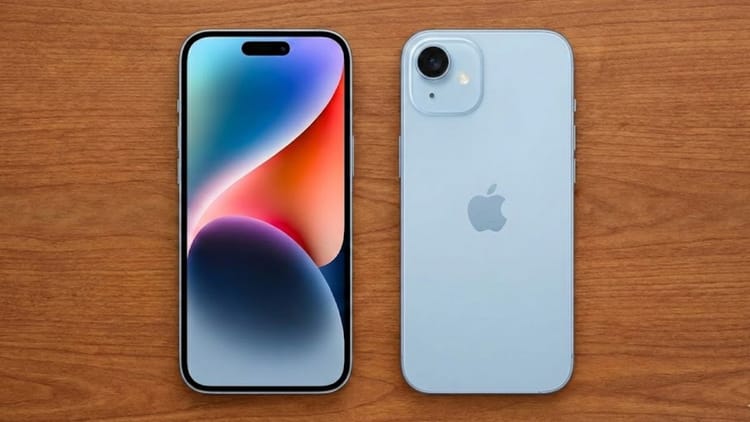
Apple is known worldwide for its security features. This is the reason why people are ready to pay the asking price to buy this phone. You will be surprised to know that Apple’s iPhone has such a special security feature that even the American investigative agency Federal Bureau of Investigation (FBI) cannot open. The name of this security feature is ‘Lockdown Mode’. Recently this feature came into limelight when even the FBI could not extract data from a journalist’s iPhone because lockdown mode was on in the phone. This incident showed how strong a security cover this feature provides.
What is lockdown mode?
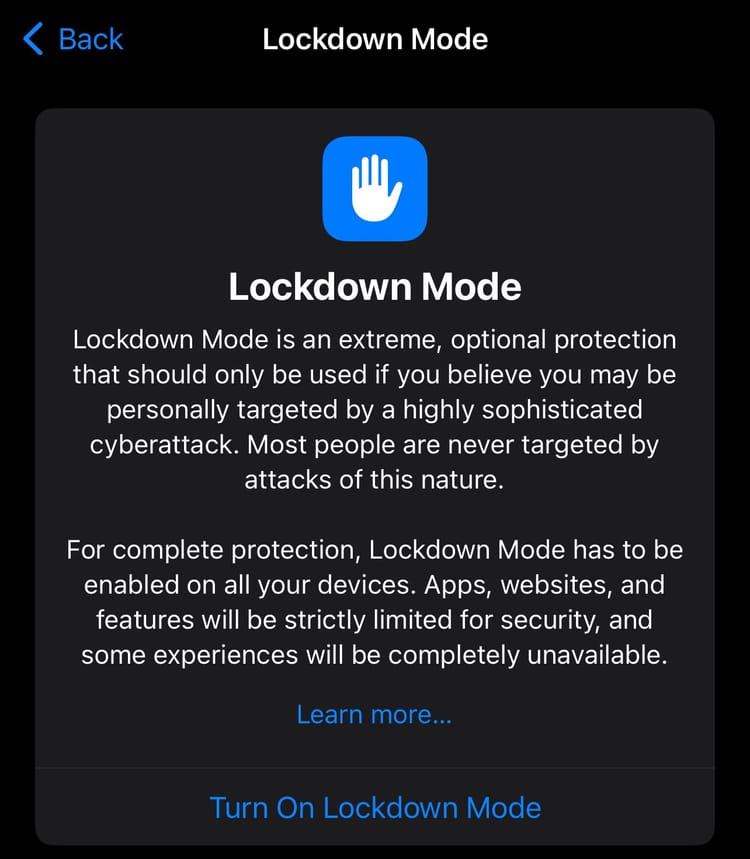
Lockdown Mode is a highly secure feature of Apple that is specially designed for those who may be at risk of cyber attacks or espionage. According to Apple, this feature is not necessary for common users but it is designed for those who may become victims of digital attacks for some reason, such as journalists, government officials or high-profile individuals. This feature is available in iOS 16, macOS Ventura and newer operating systems.
How does lockdown mode work?
When Lockdown Mode is turned on, the security of the iPhone, iPad or MacBook becomes very secure, making it very difficult for hackers or spyware to enter the device. In this mode, many apps and features are limited or stopped completely and some websites do not load properly or work slowly. Many types of attachments are blocked in the Messages app, while FaceTime calls can only be made from numbers you have previously contacted. Additionally, location information is removed when sharing photos and connections to unsecured Wi-Fi networks or other accessories are also tightly controlled. The main objective of all these restrictions is to reduce the avenues of possible cyber attacks on the device and to make your security stronger.
Even FBI could not open iPhone in lockdown mode
In one case, the FBI had seized iPhone and MacBook from the house of Washington Post journalist Hannah Natson. The investigating agency said that its technical team could not extract data from the iPhone because the lockdown mode was active. Although the agency was successful in opening the MacBook using biometrics (fingerprint), it could not access the iPhone without the passcode.
Why is passcode more secure than biometric?
According to experts, passcode is more reliable than Face ID or fingerprint to keep the phone safe. This is because law enforcement agencies can force a person to unlock their phone using their face or finger, but it is not always possible to force a person to reveal the passcode. This is why the passcode security becomes even stronger in lockdown mode, making it extremely difficult to access the device without permission.
How to turn on lockdown mode?
- in iPhone or iPad
- Open Settings
- Go to Privacy & Security
- Scroll down and tap Lockdown Mode
- Turn on choose lockdown mode
- enter your passcode
- The phone will restart and lockdown mode will be activated
How to turn on lockdown mode in MacBook?
- Open System Settings
- Go to Privacy & Security
- Select Lockdown Mode
- Turn it on and enter the passcode
What problems can occur when lockdown mode is activated?
This feature is very safe, but it may cause some inconveniences:
- Features of some apps will not work properly
- Photos or fonts will not appear on some websites
- QR code scan or camera will not work in some situations
- Some internet features will be limited
- Therefore, Apple recommends using it only when necessary.
How to turn off lockdown mode?
Follow the same procedure to turn off lockdown mode:
- Settings > Privacy & Security > Lockdown Mode
- enter passcode
- The phone will restart and the feature will turn off.