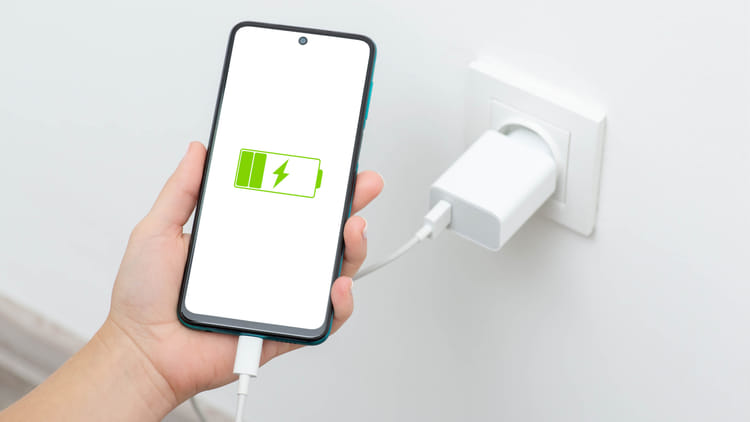
Most of the people sleep with their phone charged overnight or go out only after charging the phone 100% before going out. But experts believe that this everyday habit reduces the lifespan of the smartphone’s battery. A simple and effective solution to this is the 80-20 charging rule.
What is the 80–20 charging rule?
The 80-20 rule means that the phone’s battery should be kept between 20% and 80% most of the time. That means neither let the phone discharge completely to 0% nor charge it to 100% every time.
The lithium-ion batteries used in today’s smartphones degrade more rapidly when repeatedly charged to extreme levels. Charging up to 100% puts extra strain on the battery, while dropping down to 0% creates a deep discharge state.
Also read: These five features of your phone will save your life in trouble, know the setting method today itself.
Why charging 100% can be harmful?
Let us tell you that the biggest enemy of the battery is heat. It takes a long time to charge the phone to 100%. During this period the battery gets very hot. If you continue doing this for a long time, the battery cells get damaged and the charging capacity starts reducing.
It is not right to discharge the phone completely
Many people do not charge until the phone turns off on its own. This habit is also not good for the battery. Repeated deep discharging increases the stress on the lithium-ion battery and reduces its life. Then charging it up to 100% causes double the damage.
How to set charging limit in phone?
The good thing is that most smartphones these days come with in-built features to follow the 80-20 rule. With their help you can prevent the phone from getting fully charged.
Also read: If you forget your metro card, no worries! Make mobile ticket, activate virtual card on phone like this
In iPhone:
Features like Optimized Battery Charging and Charge Limit are provided in Apple’s iPhone phones. They slow down or stop the charging speed after 80%, so that there is no additional pressure on the battery.
In Android phones:
Options like Protect Battery, Charging Optimization or Battery Health are available in many Android smartphones. Depending on the brand, these limit the charging to 80–85%. After turning on these features, the phone itself protects itself from overcharging.