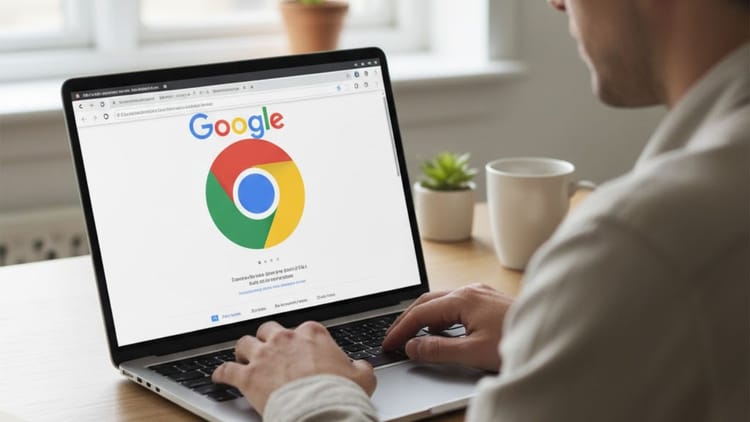
Google has released an important update for Android users in its popular browser Google Chrome. Now users will be able to pin tabs on mobile and tablet also. Just like it is available on Windows, Mac and Linux. This feature has been made available with the 144.0.7559.132 version update of Chrome. The company has claimed that this update has been brought to make the browsing experience on Android as convenient as desktop.
What is Pin Tab feature?
With the help of Pin tab, you can permanently pin any important website or webpage on the browser. In this, the pinned tab will appear at the top, even after closing the app, the tab will remain there and there will be no need to go through search or history again and again. This feature is especially beneficial for those users who have to open the same website again and again, like news portal, office portal or social media.
Also read: Trusted Tech Alliance: Big success for India, Jio becomes part of Global Tech Security Group
How to use?
Activating this feature on your phone is very easy:
- Hold: Go to the tab section of Chrome and long press on the tab which you want to save.
- Select PIN: Click on the Pin tab option in the menu that appears.
- result: That tab will be fixed at the top as a small icon.
- Similarly, you can also unpin it by long pressing.
Also read: Fancy Number: Do you also want to get a number like 9999? Learn how to buy your favorite digital currency from Jio, Airtel and Vi.
What are the advantages of pin tabs?
- Time will be saved: No need to type URLs again and again or search search history.
- desktop experience: Now your smartphone browser will also feel professional like a computer.
- permanent access: If you accidentally close the Chrome app or restart the phone, your pinned tabs will still be where you left them.
Why is this update important?
Till now this feature was only in the desktop version. With its arrival on Android, Chrome users will get a more organized and faster browsing experience. This update makes mobile browsing not only easier but also more professional and productive.